



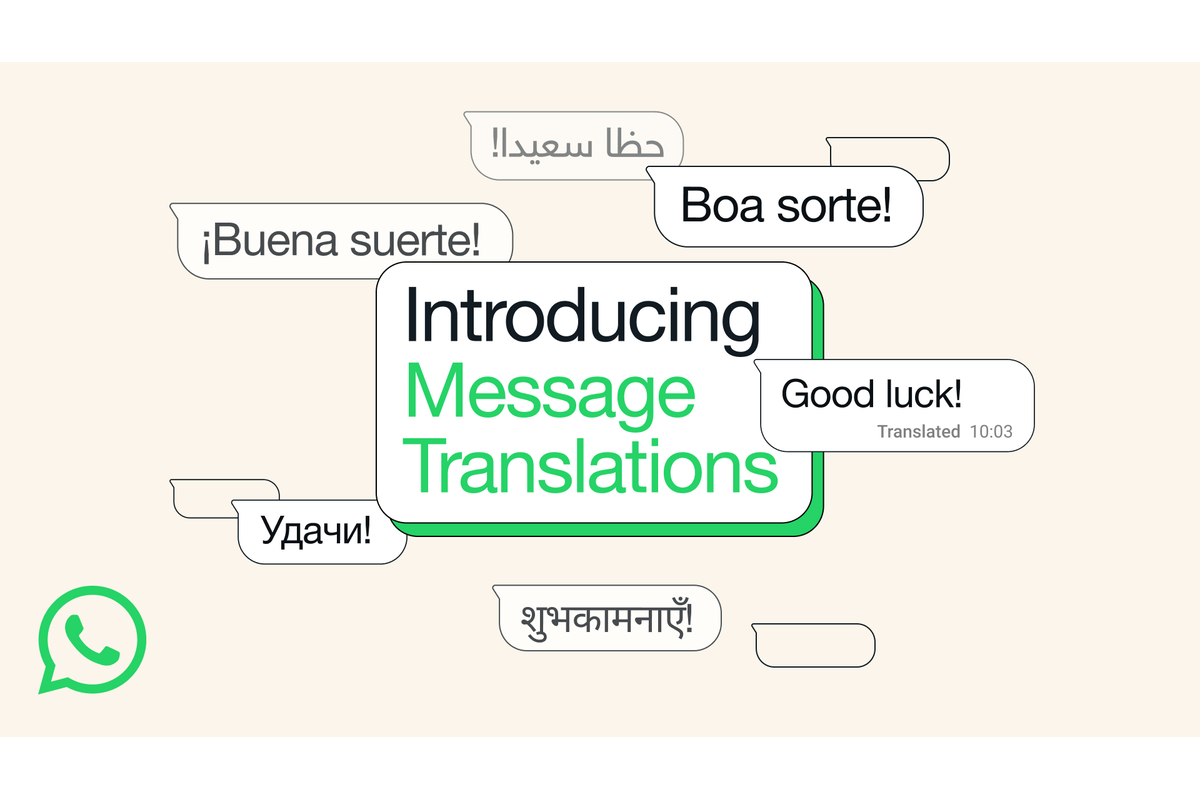
WhatsApp has started rolling out a new feature that allows users to translate messages within the app. The update is aimed at helping people communicate more easily across languages.
To translate a message, users can long-press the text and select the Translate option. They can then choose the language and download it for future use. The feature works in one-on-one chats, groups and Channel updates. On Android, users will also have the option to turn on automatic translation for an entire conversation so that future messages are translated by default.
Translations are processed on the user’s device which ensures that chats remain private and secure. The feature is being introduced gradually across Android and iPhone. Android users will initially have access to six languages including English, Spanish, Hindi, Portuguese, Russian and Arabic. iPhone users will see wider coverage with 19 languages supported at launch.
This step is expected to make WhatsApp more accessible for its global user base and reduce language barriers in everyday communication.














Leave a comment